Estimates your newest rep can get right.
A step-by-step calculator built on your own catalog of materials, labor hours and price tiers, so the same job gets the same price, whoever is quoting.


Same job. Same price. Every rep.



Built from your catalog
Pick items from your own price book and enter quantities in two taps. The breakdown updates as you go.

One catalog, priced per branch
Each branch picks the items and price tiers it offers from one master catalog, so every office quotes from the right list.
Quoted is quoted
Every estimate keeps the prices it was created with, and every change is logged with who made it and when.
From the doorstep to a signed job.
1 Pick the client and the work
Choose the client and property, then the work areas and services the job actually touches.
2 Fill the inspection on site
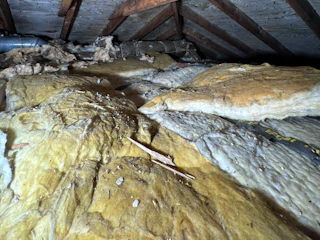
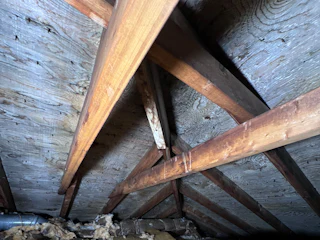
Fill in the inspection report while you’re still in the attic. It rides along inside the estimate.
3 Review the breakdown
Materials, labor, retail, discounts, tax and final price, worked out by your pricing rules.
4 A signature turns it into a job
When the customer signs the proposal, the estimate moves to Sold and Menaia creates the work order and the job.

Questions, answered.
What drives the price?
Items carry material cost and labor hours. Factors adjust at the work area, category and item level and stack, price tiers follow the job size, and branch settings sit on top.
What happens when an estimate is sold?
A signed proposal moves the estimate to Sold, and Menaia creates the work order and the job on its own.
Can branches price differently?
Yes. Each branch picks the items and price tiers it offers from one master catalog.
What if I change my prices later?
Every estimate keeps a snapshot of your pricing from the day it was created, so old quotes keep their numbers when you raise rates.
Quote like your best estimator, every time.
Put your pricing in the catalog once, and let every rep send numbers you can stand behind.