The whole company sees the save.
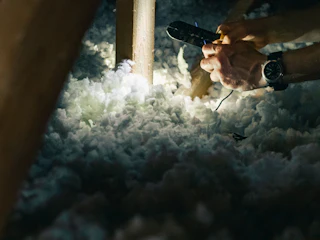
Your crew finished a brutal attic in the rain and nobody outside the truck heard about it. Groups fix that: wins get posted, people react and cheer, and the leaderboard sits right next to the conversation.


Recognition without the admin work.
Channels that match your company
Company Announcements, Operations Wins, Sales Wins, Team Shoutouts and more, for a branch, a department or everyone.
Tap AI post. You press send.
Pick a win and tap AI post. Meni writes the shoutout with the number in it, and a person posts it.
Standings next to the cheering
Attach a leaderboard to any group, so the team sees who’s up while they celebrate.
Set up a group once. The wins keep coming.
1 Create a group
Managers spin up a group for a branch, a department or the whole company, and invite exactly who belongs.
2 Something great happens
A signed proposal, a job finished under its hours or a badge unlocked. Each one lands in your wins, ready to share.
3 Meni drafts, a person posts
When someone taps AI post, Meni writes the shoutout with the number in it. They review it, add a personal touch and post it.
4 The team piles on
People react and reply underneath, so it reads like a team chat, not a corporate bulletin board.
Questions, answered.
Who can create a group?
Managers spin up groups for a branch, a department or the whole company and invite exactly who belongs.
Does anything post automatically?
No. Signed proposals, jobs finished under their hours and new badges show up as wins. When someone taps AI post, Meni writes the shoutout, and that person reviews and posts it.
Can people react and comment?
Yes. Wins get reactions and replies, so it reads like a team chat rather than a corporate bulletin board.
Can a leaderboard sit in the group?
Yes. Attach a leaderboard to any group and the standings sit right next to the conversation.
Let the whole company cheer for your crew.
Give every signed job, save and badge an audience, and new hires learn what great looks like just by scrolling.