One job, one record, from sold to invoiced.
When an estimate sells, Menaia opens the work order. The plan, the shifts, the photos and the hours all land on that one job until the invoice goes out.


The whole job. Not a folder of texts.
Every job on one board
See every job by status, from requires scheduling to closed, so you always know which jobs need you next.
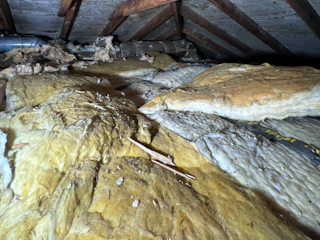
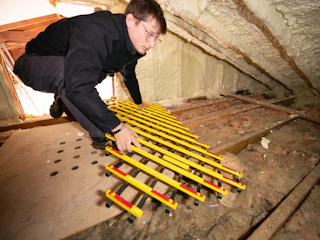

Field work files itself
Photos, notes and forms from the crew’s phones land in the job’s folders, with who uploaded them and when.
Hours land on the job
Every clock-in is tied to a job, client and property. When the job closes you know how many hours it took and who worked them.
Sell it. Run it. Close it.
1 The estimate sells
Mark it sold and Menaia creates the work order. The line items become the scope the crew lead plans against.
2 Move it through each stage
Every job sits on the board by status, from requires scheduling through pre-production and production to closed. Each move tells the people who need to act next.
3 The crew works the plan
Shifts, clock-ins, photos and forms all post back to the same job, so the office sees progress without a phone call.
4 Scope changes stay in sync
If the estimate changes after the job starts, it’s tracked as a change order and the crew lead acknowledges it. Nobody works from an old scope.
Questions, answered.
How does a sold estimate become a job?
When an estimate is marked sold, Menaia creates the work order from it. The line items become the scope the crew lead plans against, so nothing is retyped between sales and production.
Can crews add photos and notes from the field?
Yes. Crews upload photos, videos and documents from their phones into the job’s folders, and fill out any forms assigned to the project. Everything stays on the job.
How do I know what a job really cost?
Hours come from clock-ins tied to the job, and the scope comes from the estimate. Compare planned and actual hours on every job instead of piecing it together from memory.
What happens when the scope changes mid-job?
Changes to the estimate after the job is created are tracked as change orders and shown to the crew lead to acknowledge, so the field never works from an old scope.
Give every job one home.
Keep the scope, the crew, the photos and the hours on one record, so nobody rebuilds a job from texts.