Sold it? Watch it land.
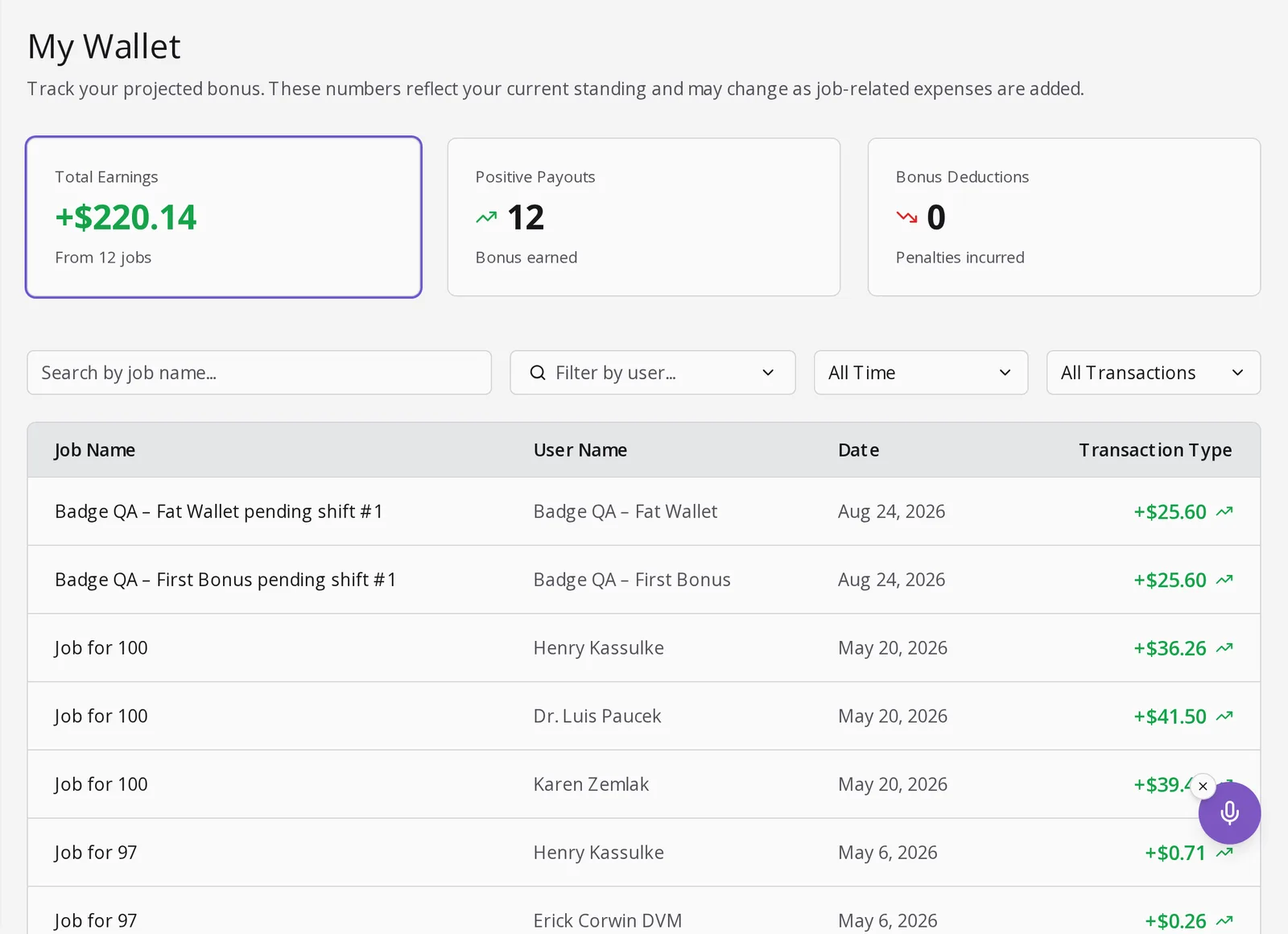
Close the deal and the earnings are already in your wallet, tied to the job that produced them. No end-of-month reveal, no shoebox of sticky notes.
Know what you earned before payday.
Every dollar names its deal
Your balance builds as deals close. Open any entry and land on the deal that made it.
Pay and rank agree
The closed deals that put a rep on top of the leaderboard are the same ones filling their wallet.
Changes happen in the open
If a customer cancels, the entry adjusts with the reason attached. Nothing quietly disappears from your balance.
Close it. See it. Trust it.
1 Close the deal
The moment a deal is marked closed, the earnings entry is in your wallet, tied to the job.
2 Check it from the field
Open your wallet on your phone with the same login you use for everything else in Menaia.
3 Entries firm up on cutoff
Projected entries turn final on the cutoff your branch sets, so you know which numbers can still move.
4 Managers see the whole team
Earnings across the team on one screen, and Meni explains any reversal with its reason, so a pay question gets a link instead of a meeting.
Questions, answered.
How fast does a closed deal show up?
Right away. The earnings entry is in your wallet the moment the deal is marked closed, tied to the job that produced it.
Can I check it from the field?
Yes, on your phone, with the same login you use for everything else in Menaia.
What if a customer cancels?
The entry adjusts with a visible trail. The reversal shows the reason, so nothing quietly disappears from your balance.
Let your reps see what they’ve earned.
Every closed deal in their wallet the moment it lands, so your sales team can focus on the next one.