Everyone sees their job. You see everyone.
Techs get their shifts and their numbers. Managers get their branch. Owners get all of it. Permissions, performance, and the team feed live in one system.
What you get
Role-based access scopes every screen. A tech cannot wander into company financials, and a branch manager cannot edit another branch.
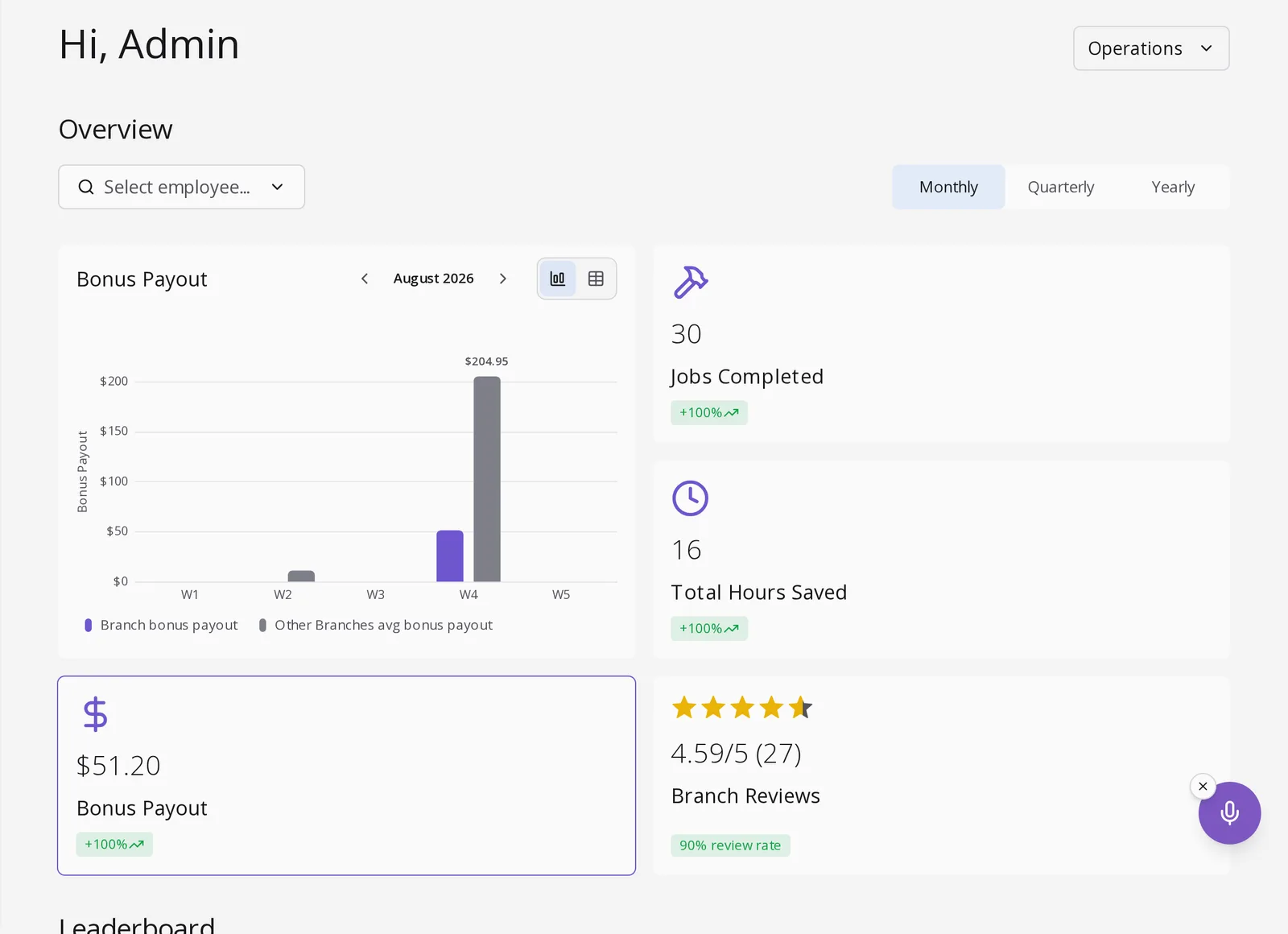
Jobs completed, hours, bonus payout, and review scores per employee, switchable between monthly, quarterly, and yearly. Reviews come from real customers.
Channels for company announcements, operations wins, sales wins, and team shoutouts. Recognition and updates happen where the work happens.
Requests, approvals, and the resulting absences on the schedule. Capacity planning stops being guesswork.
Questions owners ask
Can different roles see different things?
Yes. Owners, managers, and crew members each get a scoped view. A crew member sees their own shifts, wallet, and performance; managers see their branch; owners see across branches.
How do I see how one employee is doing?
Open the performance overview and select the employee. Their jobs completed, hours, bonus payouts, and customer review scores load for any month, quarter, or year.
What is the team feed for?
Company-wide and topic channels, like announcements, safety and quality, and team shoutouts, so wins and updates reach everyone without a separate chat app.
Does time off affect scheduling?
Yes. Approved time off appears on the same calendar as shifts, so schedulers see who is unavailable before publishing the week.
See it on your own numbers.
Book a demo and bring a real job. We will price it, propose it, and invoice it in front of you.
Select a time to continue